Some courses from the catalogue
Taught in EnglishHow LLMs Actually Work
A plain-language field guide to large language models, written for everyone in an IT company — not only its engineers.
- Estimated duration
- about 5 hours
- Lessons
- 14 in 4 parts
- Questions
- 180, incl. a 40-question final
- Diagrams
- 67
- Format
- Self-paced, in the browser
The same course in Turkish: “LLM'ler Gerçekte Nasıl Çalışır” →
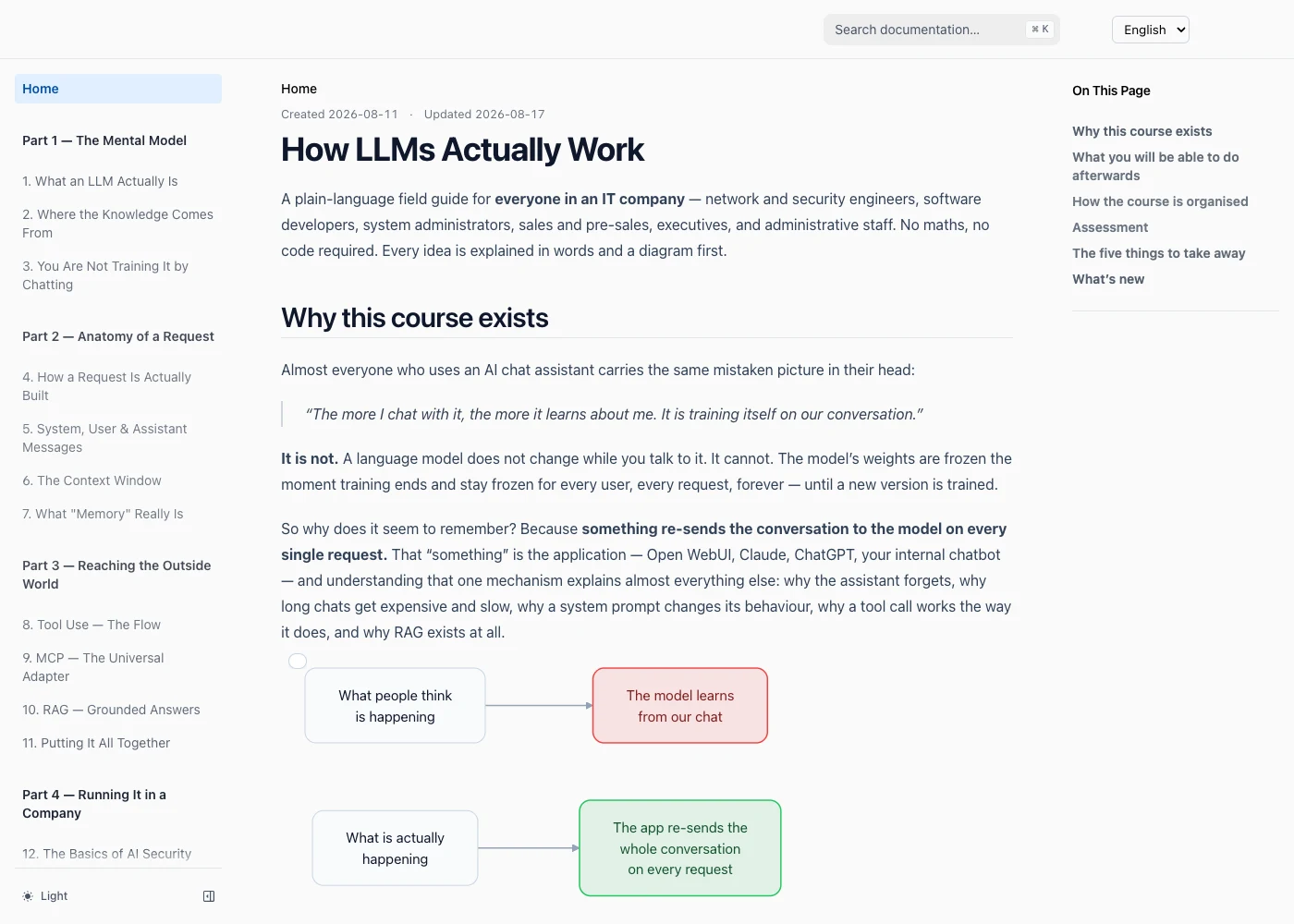
Almost everyone who uses an AI assistant believes it learns from the conversation. It does not: the model's weights are frozen, and the application re-sends the whole conversation on every request. The course is built around that one mechanism because it explains nearly everything else — why assistants forget, why long chats get slow and expensive, what a system prompt really changes, how tool use and MCP work, and why RAG exists at all. Open WebUI is the worked example throughout.
One animation from the material
Watch the payload grow
Drawn from lesson 3. The application re-sends the whole conversation on every request, so the second request carries four messages where the first carried two — and after each answer the model keeps nothing. The course shows the same exchange as a sequence diagram; this animation was made for this page.
Who it is for
- Network, security and systems engineers who are asked whether an AI tool is safe to connect to anything that matters
- Software developers about to build on an LLM API for the first time
- Sales and pre-sales staff who need to answer “is it secure?” without hand-waving
- Managers and executives choosing between prompting, retrieval and training a model of their own
- Administrative staff who already use an AI assistant every day
Before you start
- No maths and no code. Every idea is explained in words and a diagram first; the few JSON examples are read, never written.
- Having used a chat assistant such as ChatGPT or Claude a few times helps, because the course starts from that experience.
- Comfortable reading in English. The same course exists in Turkish as its own edition.
- Optional: access to an Open WebUI instance, to repeat the course's experiments on a real assistant.
What you will be able to do
- Explain in one sentence each what an LLM, a token and a context window are — and why the whole context window travels with every request.
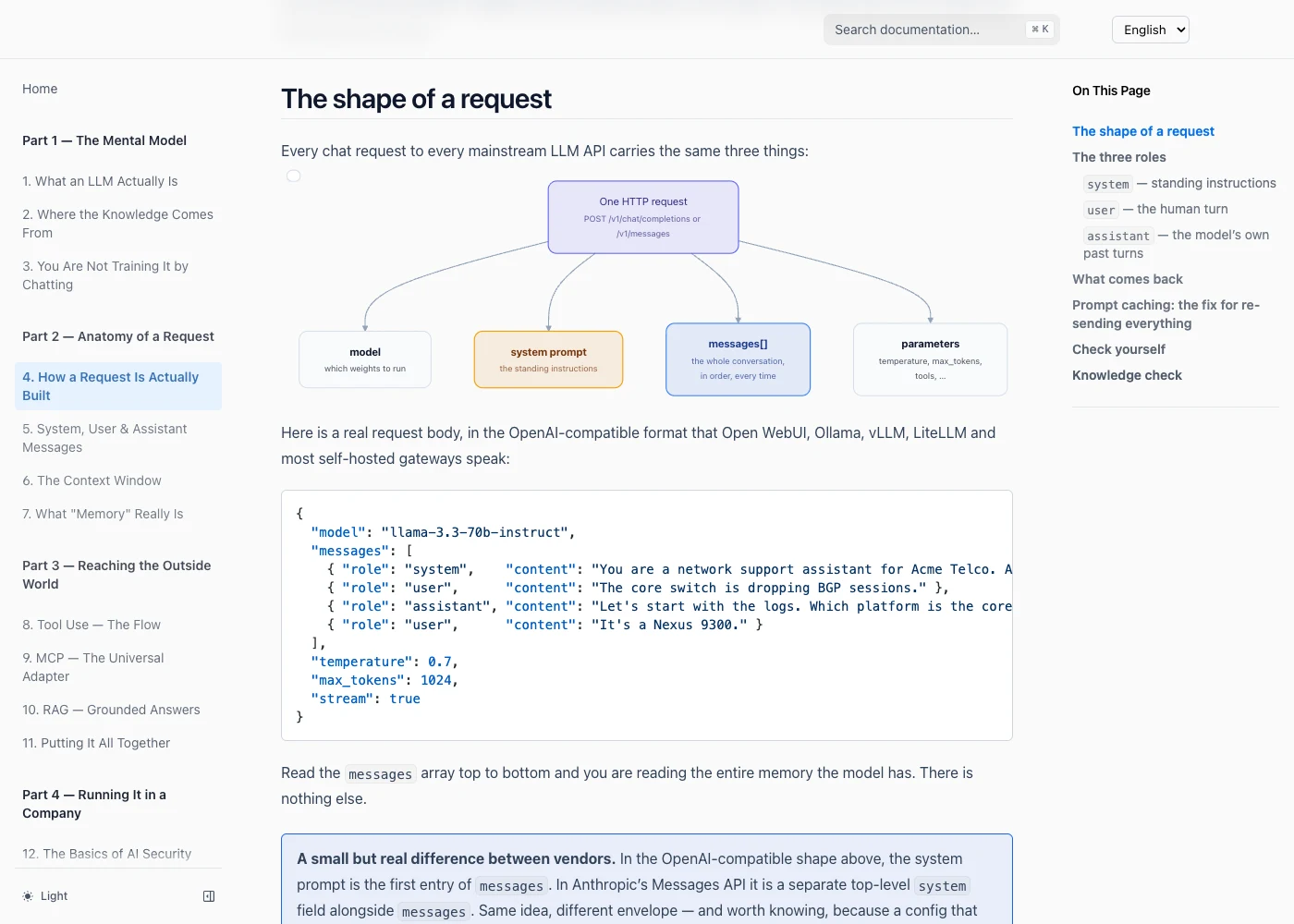
- Read the actual JSON of a request and point at its system, user and assistant parts.
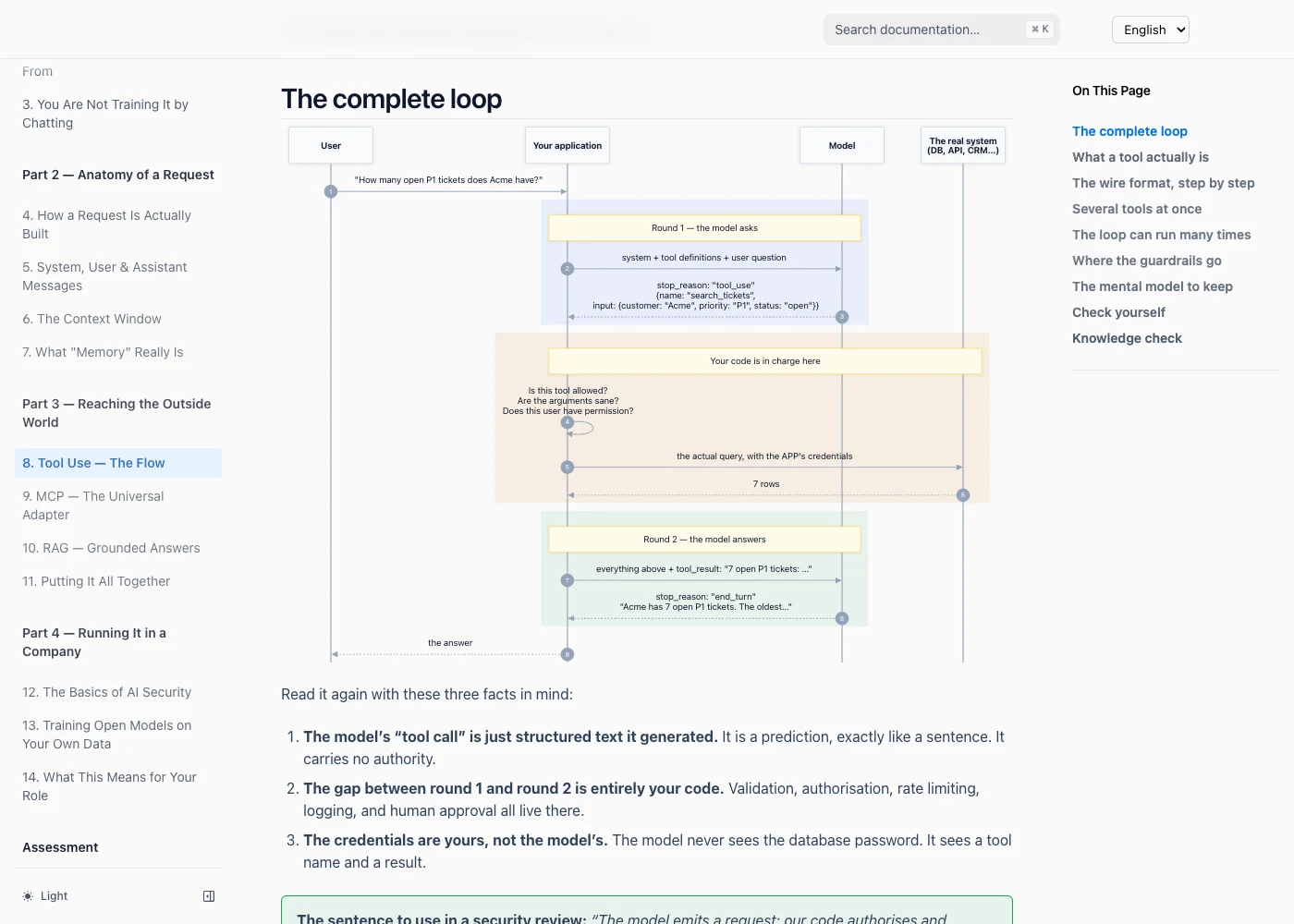
- Describe step by step what happens when a model uses a tool or an MCP server — including the fact that the model never executes anything itself.
- Change a system prompt in Open WebUI and predict what it will, and will not, change.
- Tell prompting, retrieval (RAG) and training a model apart, and say which one a given problem needs.
- Describe how an open model is fine-tuned on a company's own data, and roughly what that costs in people, hardware and time.
- Answer a customer or a colleague who asks “is it secure?” with specifics rather than reassurance.
Curriculum
Part and lesson titles appear exactly as they do in the course, in the course's own language; the line under each part is the question it answers.
Part 1 — The Mental Model
What is this thing, where does its knowledge come from, and why doesn't it learn from me?
- 1. What an LLM Actually Is
- 2. Where the Knowledge Comes From
- 3. You Are Not Training It by Chatting
Part 2 — Anatomy of a Request
What is literally sent over the wire, and what makes it look like memory?
- 4. How a Request Is Actually Built
- 5. System, User & Assistant Messages
- 6. The Context Window
- 7. What "Memory" Really Is
Part 3 — Reaching the Outside World
How does a text predictor search the web, query a database or send an email?
- 8. Tool Use — The Flow
- 9. MCP — The Universal Adapter
- 10. RAG — Grounded Answers
- 11. Putting It All Together
Part 4 — Running It in a Company
How do we keep it safe, when do we train our own, and what does it mean for my job?
- 12. The Basics of AI Security
- 13. Training Open Models on Your Own Data
- 14. What This Means for Your Role
Appendices
- A. How an LLM Is Made
- B. What Changed After 2017
- C. Classic ML vs. LLMs
- D. Glossary
Assessment
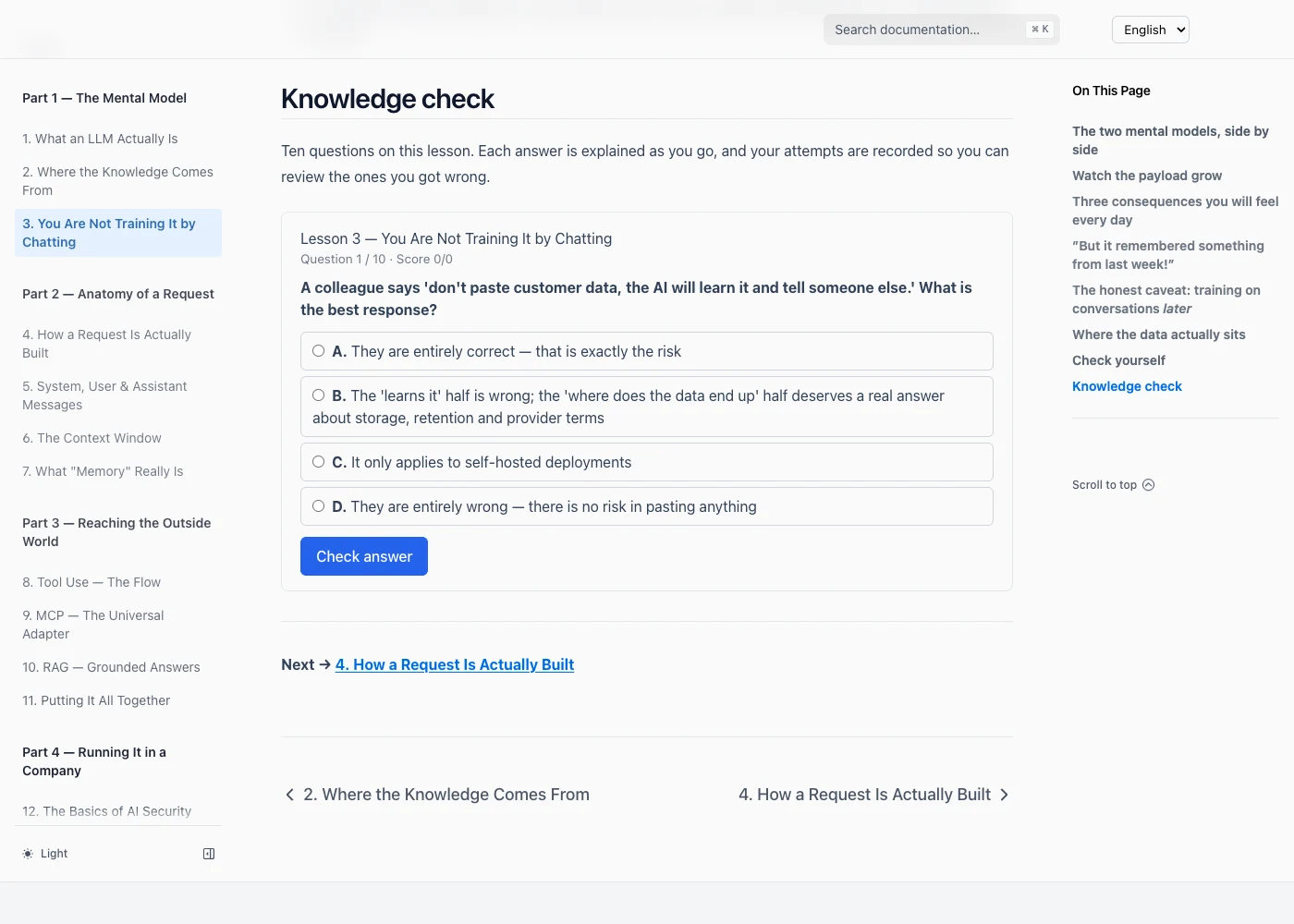
Every lesson ends with a ten-question knowledge check, written so that each explanation corrects the specific misunderstanding its question tests for. A forty-question final exam draws on the whole course, appendices included, and shuffles questions and options on every attempt. Attempts are recorded, so a learner can go back to what they got wrong.
Sample pages
Captured from the course's own build. The platform's sign-in controls and the learner's personal panels are left out of the frame; everything else is the page as a learner sees it.
The duration is an estimate made from the course itself: 16,498 words read at 200 words a minute, plus a minute for each diagram and 45 seconds for each quiz question, rounded up to the half hour. Your own pace will differ, and the platform records each learner's actual engaged time.
Run this course for your people
In a pilot the course runs on elmo beside your own material, and for every learner the platform records enrolment, progress through each page and engaged time, whatever the course's own format.