Some courses from the catalogue
Taught in EnglishWireless Foundations: From RF to Controllers
Our own enterprise Wi-Fi foundation course: vendor-neutral RF, maths, standards and security, then a WLAN built with Cisco as the worked example.
- Estimated duration
- about 7.5 hours
- Lessons
- 23 in 8 parts
- Questions
- 270, incl. a 40-question final
- Diagrams
- 58
- Format
- Self-paced, in the browser
A wireless link fails in ways a cable never does, and this course teaches people to explain why with numbers rather than adjectives. Its first twelve chapters are deliberately vendor-neutral: radio propagation, decibel arithmetic, antennas, channels, how 802.11 devices share the air, and the whole security sequence from WEP to WPA3 and 802.1X. They transfer to any vendor's access points. The remaining chapters name the generic idea first — a controller as a set of responsibilities, local switching, spectrum intelligence — and then use Cisco's controllers as the worked example for building, tuning, maintaining and troubleshooting a centralized WLAN. We wrote it ourselves, with Cisco's controllers as the worked example; it is not Cisco's official training and is not endorsed by Cisco.
One animation from the material
Add up the link, one element at a time
Drawn from chapter 3's worked example of a 2 km outdoor bridge at 5 GHz. Every gain and loss is in decibels, so the whole link is one sum: 20 dBm out of the radio, 113 dB lost to free space, −51 dBm at the far receiver — 25 dB above the −76 dBm it needs, which the course rates as robust. The course shows this as a table; this animation was made for this page.
Who it is for
- Network engineers about to design, deploy or support their first enterprise wireless LAN
- Support and operations staff who get the “Wi-Fi is slow” tickets and want a method instead of a reboot
- Security engineers who need to choose between a shared key, 802.1X and WPA3 — and defend the choice
- Teams running another vendor's access points, who want the theory without a product pitch
- Pre-sales engineers who have to explain why a wireless design will work, with figures
Before you start
- No prior wireless experience. Every idea starts from the physics and the arithmetic, done by hand.
- Basic IP networking: addressing, subnets, default gateways and VLANs.
- Ethernet switching: access ports, trunks and Power over Ethernet.
- The idea of a client, a server and an authentication database.
- Comfortable reading in English. No lab rack is needed: the exercises use a Wi-Fi scanner, a packet capture and free virtual tools.
What you will be able to do
- Explain to a colleague or a customer why a wireless link fails where a cable would not — and back it with numbers.
- Calculate EIRP and a link budget, and convert between dB and milliwatts in your head.
- Read an antenna pattern well enough to choose one, and spot the co-channel interference in a channel plan.
- Choose between a pre-shared key, 802.1X/EAP and SAE for a business requirement, and say what each one actually protects.
- Describe how an access point finds and joins a controller, and what clients experience when that controller disappears.
- Predict what a roaming client experiences across a Layer 2 and a Layer 3 boundary.
- Configure the switch side — VLANs, trunks, PoE budget, DHCP, NTP — so the wireless side has a chance.
- Work a wireless fault from symptom to cause with a repeatable method and the right tool.
Curriculum
Part and lesson titles appear exactly as they do in the course, in the course's own language; the line under each part is the question it answers.
Part 1 — Foundational Wireless Theory
What is a radio wave, and what happens to it between the access point and the client?
- 1. Wireless Fundamentals
- 2. RF Principles
Part 2 — Wireless Math and Antennas
How do you add up a link in decibels, and which antenna does the job?
- 3. RF Mathematics
- 4. Antenna Characteristics and Selection
Part 3 — Foundational Wireless Operation
How do devices share one channel, and who decides which channels exist?
- 5. Spread Spectrum, Channels and Modulation
- 6. Wireless Media Access and 802.11 Frames
- 7. Wireless Governance
Part 4 — Wireless Security
What does each generation of Wi-Fi security actually protect, and how do guests get on safely?
- 8. Wireless Security Components
- 9. IEEE 802.11 Security
- 10. IEEE 802.1X and EAP
- 11. WPA, WPA2 and WPA3
- 12. Guest Access and Client Onboarding
Part 5 — Wireless Network Architecture
Where do the brains of a wireless network live, and how does a client roam between access points?
- 13. Deployment Architectures
- 14. Management and Policy Control
- 15. Controllers, CAPWAP and Access Points
- 16. Mobility Architecture Concepts
Part 6 — Wired Support for Wireless
What does the wireless network silently depend on from the switches behind it?
- 17. The Wired Infrastructure Behind the WLAN
Part 7 — Configuring a Centralized WLAN
How do you bring up a controller, join access points, build a WLAN and tune its RF?
- 18. Controller Initialization and AP Join
- 19. Configuring a Centralized WLAN
- 20. Roaming in Practice
- 21. Optimizing RF for Clients
Part 8 — Operations
How do you keep it running, and find the cause when it does not?
- 22. WLAN Maintenance
- 23. Troubleshooting Methodology and Tools
Appendices
- A. Modern Cisco Wireless Portfolio
- B. Lab and Discovery Guides
- C. RF Math Reference
- D. Command Reference
- E. Glossary
Assessment
Every chapter ends with a “Check yourself” section of open questions and a ten-question knowledge check that tests judgement more than recall: given a measurement, what do you conclude; given a requirement, which design meets it. A forty-question final exam deliberately mixes chapters in a single question — an RF reading that leads to a security decision. Attempts are recorded, so a learner can go back to what they got wrong. Appendix B restates the syllabus's practice activities and guided discoveries as exercises a learner without a lab rack can attempt.
Sample pages
Captured from the course's own build. The platform's sign-in controls and the learner's personal panels are left out of the frame; everything else is the page as a learner sees it.
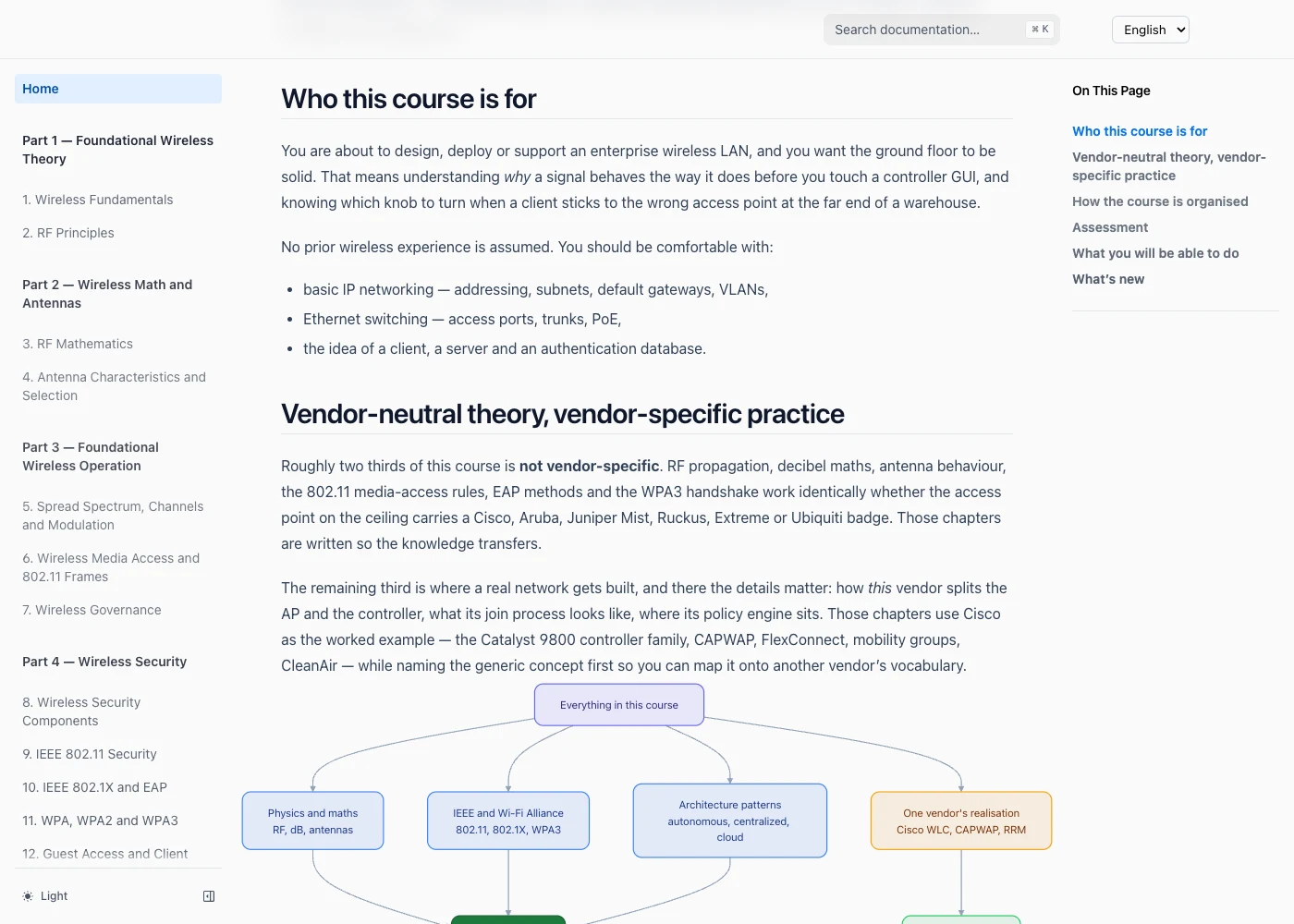
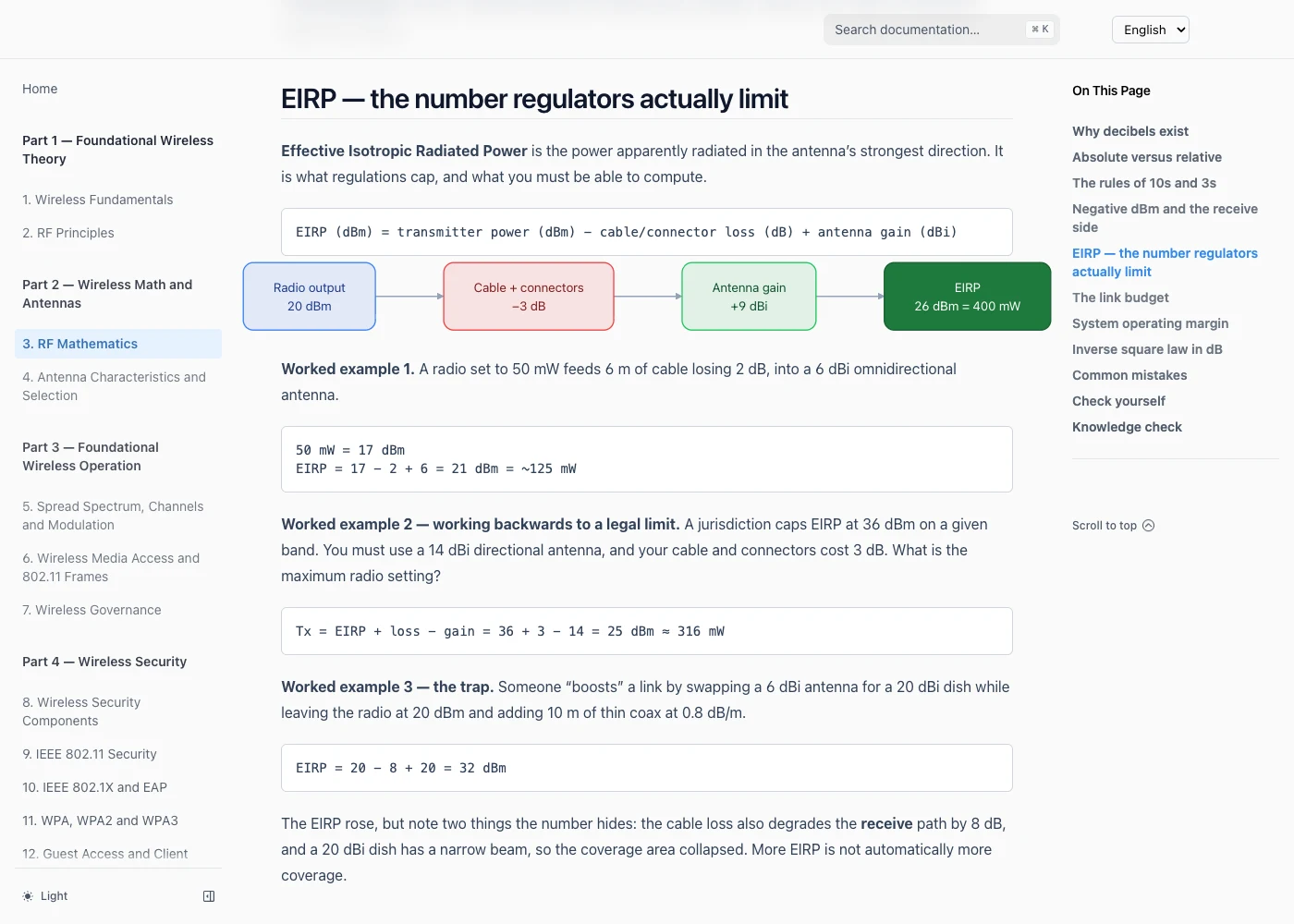
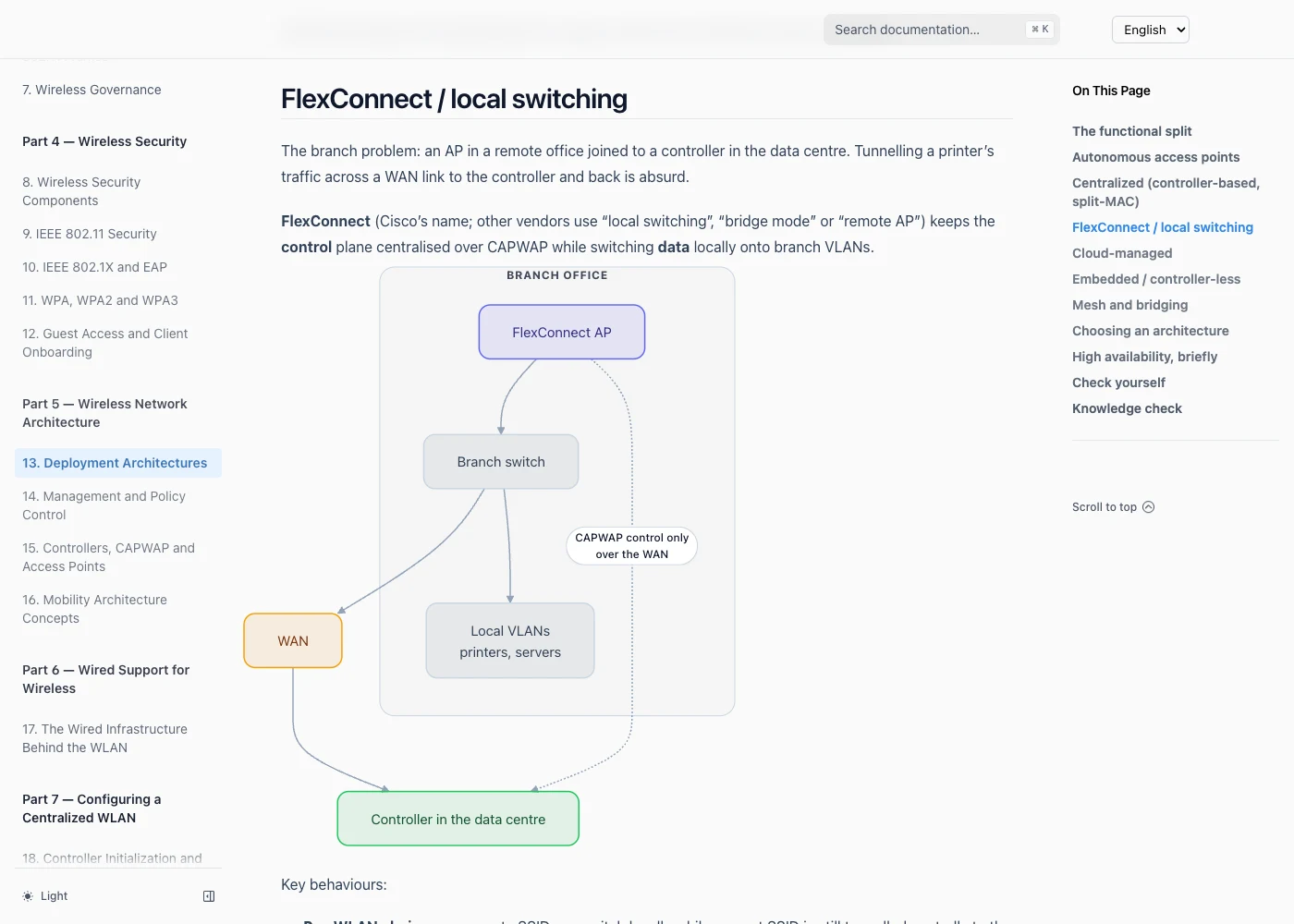
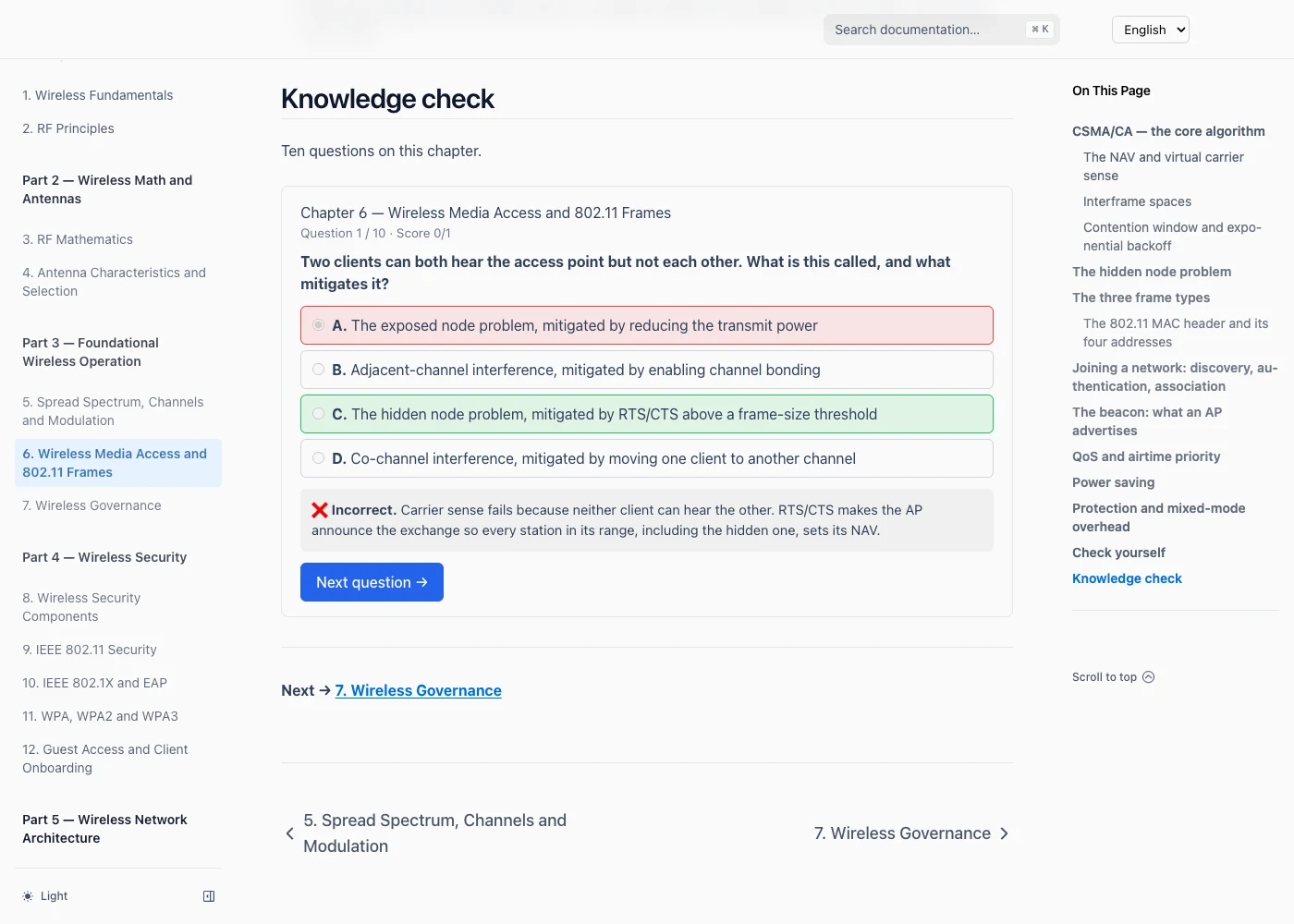
The duration is an estimate made from the course itself: 35,192 words read at 200 words a minute, plus a minute for each diagram and 45 seconds for each quiz question, rounded up to the half hour. Your own pace will differ, and the platform records each learner's actual engaged time.
Run this course for your people
In a pilot the course runs on elmo beside your own material, and for every learner the platform records enrolment, progress through each page and engaged time, whatever the course's own format.